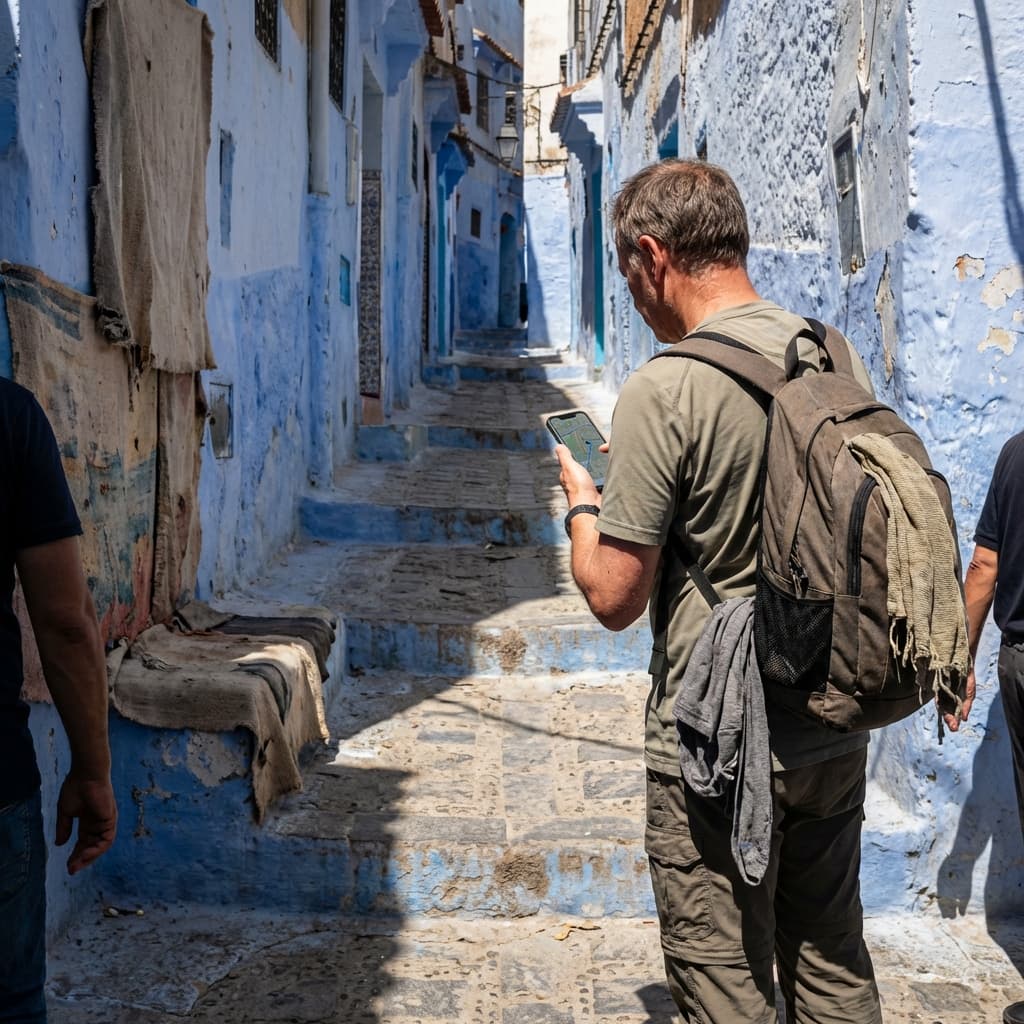
Travelling to Morocco is a unique experience: from the bustling medinas of Marrakech to the golden dunes of the Sahara, and the blue streets of Chefchaouen. But to make the most of your trip, you need to stay connected. This is where a Morocco eSIM comes in — the most practical and affordable solution for mobile internet throughout your stay.
In this complete guide, we explain everything you need to know about eSIMs in Morocco: what they are, how they work, how to install them, and why they are the best option compared to traditional physical SIM cards.
eSIM technology has revolutionised how we connect when travelling abroad. No more searching for phone shops at the airport, endless queues or language barriers. With a Morocco eSIM, you can activate your data plan before you even leave home.
Ready for your trip to Morocco?
Get unlimited data from €3.49. Immediate activation.
What is an eSIM and how does it work?
An eSIM (embedded SIM or electronic SIM) is a digital version of the traditional physical SIM card. Instead of inserting a physical card into your phone, the eSIM is built directly into the device and is activated via a QR code or an app.
When you buy an eSIM for Morocco, you receive a QR code by email. By scanning it from your phone's settings, the eSIM profile downloads automatically and is ready to use. The process takes less than 2 minutes.
Advantages of using an eSIM in Morocco
There are multiple reasons why more and more travellers are choosing eSIMs over traditional physical cards:
- Instant activation: You receive the QR by email within seconds of purchase.
- No queues or shops: No need to find a store at the airport.
- Competitive pricing: Unlimited data plans from €3.49.
- Keep your number: Your main SIM stays active for WhatsApp and calls.
- No surprise roaming: Fixed price with no extra charges.
How to install an eSIM on your phone
The installation process varies slightly depending on your device, but it is generally very simple. Here are the basic steps:
- Buy your eSIM from our website and receive the QR by email.
- Go to Settings > Mobile Data > Add Data Plan.
- Scan the QR code with your phone's camera.
- Name the new plan (e.g. "Morocco") for easy identification.
- Set the eSIM as your primary data line.
It is important to enable data roaming on your device. This does not incur extra charges with our eSIM, but it is necessary for it to work correctly on Moroccan networks.
eSIM coverage in Morocco
Our eSIM connects to the Orange Morocco network, the operator with the best coverage in the country. You will have 4G/LTE connectivity in major cities such as Casablanca, Rabat, Marrakech, Fez, Tangier and Agadir, as well as on the most popular tourist routes.
In more remote areas such as the Sahara Desert, coverage may be 3G or limited to specific points near settlements. However, in popular destinations like Merzouga or Zagora, you will find sufficient signal for maps and messaging.
Frequently asked questions about Morocco eSIM
Can I use WhatsApp with the eSIM? Yes. WhatsApp is linked to your number, not to the SIM. You can continue using it as normal.
When does the plan start counting? The day counter activates when your device connects to a Moroccan network for the first time, not when you scan the QR.
Can I share my internet? Yes. You can use the hotspot feature to share data with other devices.
Staying connected in Morocco has never been easier. With a Morocco eSIM, you have everything you need: unlimited data, instant activation and customer support. What are you waiting for?